Black Friday Big-Screen TV Guide (2026): TCL QM8, QM7 and QM6K in 75 to 98 Inches
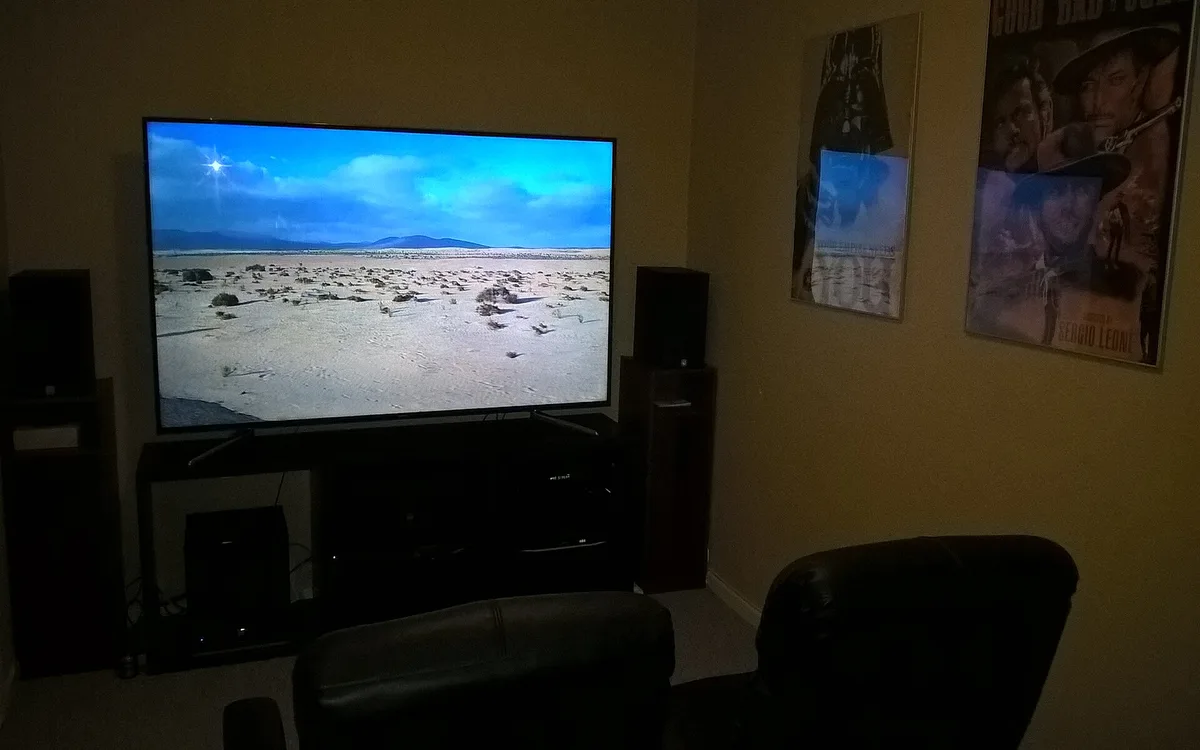
For a living room, a 75 to 85 inch set is the sweet spot, and 98 inches only pays off when you sit 11 feet or more back. Pick the size from your seating distance first, then the model: the QM8 for the brightest picture and the most dimming zones, the QM7 as the balanced middle, the QM6K as the value way into a big screen. Whatever you buy, check the exact weight and VESA pattern for your size, find the studs before the box arrives, and plan on two people for the lift.
Why listen to us: Zomg The Handyman mounts TVs more than any other job, and the big screens are where the surprises are: a mount rated for the wrong weight, a wall with steel studs, a fireplace with no room for the cable run. This guide covers TCL's 75 inch and larger QM8, QM7 and QM6K sets, and what each one needs from your room and your wall. We do not list TCL sale prices here, because they change by the day. Check the live listing before you buy.
Quick Comparison
| Pick | Best For | Price Tier |
|---|---|---|
| Brightest of the Three | TCL QM8 Series Mini-LED 4K TV, 75 to 98 Inch | Premium tier |
| Best All-Rounder | TCL QM7 Series Mini-LED 4K TV, 75 to 98 Inch | Mid tier |
| Best Way Into a Big Screen | TCL QM6K Series QD-Mini LED 4K TV, 75 to 98 Inch | Value tier |
| Best Mount for 85 to 98 Inch | Heavy-Duty Full-Motion TV Mount, 800x400, 130 lb or More | Hardware |
Our Picks
Buy Direct From TCL, Model by Model
Our Amazon picks are above. These are the TCL product pages for each model and size in this guide, so you can compare specs and check today's price and stock in one place. Prices change daily, so we do not repeat them here.
| Model | Best for | 75 inch | 85 inch | 98 inch |
|---|---|---|---|---|
| TCL QM8 | Brightest, most dimming zones | QM8 75 inch → | QM8 85 inch → | QM8 98 inch → |
| TCL QM7 | Balanced, 144Hz | QM7 75 inch → | QM7 85 inch → | QM7 98 inch → |
| TCL QM6K | Value way into a big screen | QM6K 75 inch → | QM6K 85 inch → | QM6K 98 inch → |
Specs, sizes and stock change by model year. Confirm the model and size on the page before you buy.
Pick the Size From Your Seating Distance
Size first, model second. A screen that is too big for the room is harder to watch than one that is too small, and the cost of the extra inches goes up fast. A practical rule for 4K: sit between one and one and a half times the screen diagonal away. These are the numbers we use when a customer is deciding between sizes.
| Size | Screen width and height | Comfortable seating distance | Best for |
|---|---|---|---|
| 75 inch | about 65 by 37 inches | 9 to 12 ft | Most living rooms and family rooms |
| 85 inch | about 74 by 42 inches | 10 to 14 ft | Larger living rooms, open plans, a sectional |
| 98 inch | about 85 by 48 inches | 11 to 15 ft | Dedicated media rooms and great rooms |
Widths and heights are for the picture area of a 16:9 screen. The frame adds a little. Distances are rules of thumb, not a standard.
Two checks before you commit. First, the wall: a 98 inch screen is about seven feet wide, so measure the wall and make sure it has room for the TV and for the mount to swing, if it is full motion. Second, the doorway: these sets arrive in very large cartons, and a hallway or stairwell can be the hardest part of the day.
Brightness and Mini-LED: What the Numbers Mean
Mini-LED TVs use thousands of tiny LEDs behind the panel, grouped into local dimming zones. More zones means the TV can keep a dark part of the picture dark while a bright part stays bright next to it, with less glow around bright objects. Peak brightness, measured in nits, decides how well HDR highlights show up and how well the picture holds up in a sunny room. These are the figures TCL publishes for the three models, from the product pages on November 23, 2026.
| Model | Peak brightness (TCL) | Dimming zones (TCL) | Gaming and motion (TCL) |
|---|---|---|---|
| QM8 | Up to 6,000 nits | 4,000+ | Game Accelerator 288 VRR, HDMI 2.1 |
| QM7 | Up to 3,000 nits | 2,100+ | 144Hz, Game Accelerator 288 VRR, FreeSync |
| QM6K | See TCL's spec page | Up to 500 | 144Hz native, four HDMI inputs, one with eARC |
TCL lists the current QM8 and QM7 under the names QM8L and QM7L, and a QM7K sits alongside them. Specs and available sizes vary by model year and size, so confirm the figures on the exact page you buy from. Peak nits are a brief highlight measurement, not what the whole screen shows in a normal scene.
What this means in a room. California living rooms are bright. If the TV faces a window or gets afternoon sun, brightness and dimming zones are what you are paying for, and the QM8 and QM7 are the ones to look at. In a room with blinds or a dark den, the QM6K gives you the size for less and you give up less than you would in a bright room.
Gaming and Sports: What to Check
- Refresh rate. A 144Hz panel shows fast action, such as football and racing games, more smoothly than a 60Hz one. TCL lists 144Hz for the QM7 and the QM6K.
- VRR and HDMI 2.1. Variable refresh rate keeps the picture tear-free on a PS5, Xbox or gaming PC. Check which HDMI inputs carry the full feature set, because it is often one or two ports, not all of them.
- Brightness for daytime games. A bright panel is the difference between a game you can see at 1 p.m. with the curtains open and one you cannot.
- Viewing angle. For a big sectional or a game-day crowd, a wide viewing angle keeps the picture usable from the ends of the couch. TCL lists a wide-angle panel for the QM8.
- Sound. Thin TVs have thin speakers. Budget for a soundbar, and plan where it goes before the mount is on the wall. A soundbar that sits under the TV changes the height you want the TV at.
Mounting a 75 to 98 Inch TV: Weight, Studs, VESA
This is the part that decides whether the TV is still on the wall in five years. Large sets are heavy, wide and awkward, and every spec on the mount has to clear the TV with room to spare.
- Weight. Look up the weight for your exact size on the TV's spec page, with the stand off, and use that number, not the size. Large sets often weigh well over 100 lb, and the biggest ones weigh more. Choose a mount rated for the TV's weight with a safety margin, not one that just meets it.
- VESA pattern. The four mounting holes on the back of the TV are a rectangle measured in millimeters, such as 600x400 or 800x400. The mount has to list your pattern, and the TV's spec page has it for your size. Sizes in the same series can differ.
- Studs. Wood studs are usually 16 inches apart, sometimes 24. The wall plate on the mount must reach at least two studs, and a plate for a 98 inch TV is wide enough to cover several. Find them with a stud finder and mark each one before you buy a mount, so you know what plate width you need.
- Wall type. Drywall over wood studs is the easy case. Steel studs, plaster over lath, brick and concrete each need a different fastener plan and sometimes a different mount. If you are not sure what is behind the wall, ask before you order.
- Mount type. A fixed or tilt mount sits closest to the wall and is the strongest choice for a TV that faces the seating straight on. A full-motion mount is for a TV that has to turn toward another part of the room, and it puts more leverage on the wall, so it needs solid studs and a mount rated well above the TV's weight.
- The lift. A 75 inch TV needs two people. An 85 or 98 inch TV is no place to improvise: the panel is too wide for one person to seat on the wall plate, and a slip is the cost of the TV. Plan for two adults and a clear floor.
- Cables. Decide where the power and HDMI cables come out before the TV goes up. In-wall routing needs a code-compliant power kit and is not a place to run an ordinary extension cord.
Above a Fireplace: Be Careful at This Size
Big TVs and fireplaces mix less well than the photos suggest. Three problems come up again and again:
- Height. A 75 to 98 inch TV above a mantel often puts the center of the screen well above eye level. Looking up for a two hour game is tiring. A tilt or pull-down mount helps, but the TV is still high. Sit on the couch and have someone hold a tape at the center of where the screen would be.
- Heat. A working fireplace sends heat up the wall and past the mantel. Check the TV's operating temperature range and how warm the wall gets above the mantel when the fireplace is running. A gas or wood fireplace is the bigger concern, and an electric or decorative one is a smaller one.
- The wall. Brick, stone and tile need masonry anchors, and the studs may be to the side, not behind the mount. The weight of a big TV on masonry is a job to plan with the right fasteners, not to guess at.
If any of these worry you, a different wall at a better height is often the better room, and a floating shelf or a wall-hung soundbar looks good there. Our guide to above-fireplace mounts covers the hardware.
Black Friday Shopping, Without the Regret
- Buy by model number and size. Sale listings sometimes show a similar model with a different panel. Match the series and the size on the listing to the one you read about here.
- Check the return window. A 98 inch TV is hard to send back. Know the window and who pays for return shipping before you click.
- Have the mount ready. A mount that arrives the same week as the TV means no weekend with a set leaning against the wall. Our crews book up around the holidays, so book the install when you place the TV order.
- Check the live price. Sale prices change by the day, so look at the live listing on the day you buy.
Mounting a new TV before the holidays? Read our new TV mounting checklist, and see the best mounts for 85 to 100 inch TVs.
Get It Mounted
Our crews mount TVs of every size, from any store. What it costs on our booking page:
- TV mounting from $149. Fixed, tilt or full-motion mount on a standard wall.
- 75 inch and larger from $169. Big screens are priced by size.
- Above a fireplace from $199. Mantel clearance and a tilt mount.
- In-wall cable concealment $199 as an add-on, with a power kit.
Prices are from our booking page on November 23, 2026 and are what you pay for the work, not the TV or the mount. Final price depends on TV size and wall type, and the booking page shows every option before you confirm.
See also TV mounting and our TV mounting cost guide.
Need help with this?
Zomg The Handyman mounts TVs of every size, with bookings in all 50 states. Upfront prices, 4.9 rated on Google.
Book TV Mounting →Frequently Asked Questions
What size TV should I buy for my living room?
Sit between one and one and a half times the screen diagonal away. That is about 9 to 12 feet for a 75 inch TV, 10 to 14 feet for an 85 inch and 11 to 15 feet for a 98 inch. If your couch is closer than that, go down a size.
What is the difference between the TCL QM8, QM7 and QM6K?
On TCL's spec pages the QM8 has the highest brightness (up to 6,000 nits) and the most dimming zones (4,000+), the QM7 sits in the middle (up to 3,000 nits, 2,100+ zones, 144Hz), and the QM6K has up to 500 zones and a 144Hz panel. The QM8 is the brightest and the most expensive, and the QM6K is the easiest way into a big screen.
Will a big TV be bright enough in a sunny California room?
Mini-LED sets like the QM8 and QM7 are built for bright rooms, and brightness and dimming zones are what to look at. In a room with direct afternoon sun and no blinds, buy the brighter model rather than the bigger one.
How much does it cost to mount a 75 inch or larger TV?
TV mounting starts at $149 and 75 inch and larger screens start at $169 on our booking page. Above-fireplace jobs start at $199. Final price depends on the wall type and what else you add, and the booking page shows it before you confirm.
Can one person mount an 85 or 98 inch TV?
No. The panel is too wide and too heavy to seat on the wall plate alone, and a slip costs the TV. Plan on two adults, a mount rated above the TV's weight, and a wall plate that reaches at least two studs.
Can I put a 75 inch or bigger TV above my fireplace?
Sometimes, but check three things first: the height of the center of the screen against your seat, the heat that reaches the spot, and what the wall is made of. Brick and stone need masonry anchors. If the height or the heat is a problem, a different wall is often the better room.
What VESA pattern does a large TV need?
It depends on the model and the size, and is listed on the TV's spec page. Large sets usually use a larger pattern such as 600x400 or 800x400, so choose a mount that lists your exact pattern and is rated for the TV's weight.
Our service areas: TV Mounting in Los Angeles · TV Mounting in San Diego · TV Mounting in Irvine
Complete the Job
Get it installed