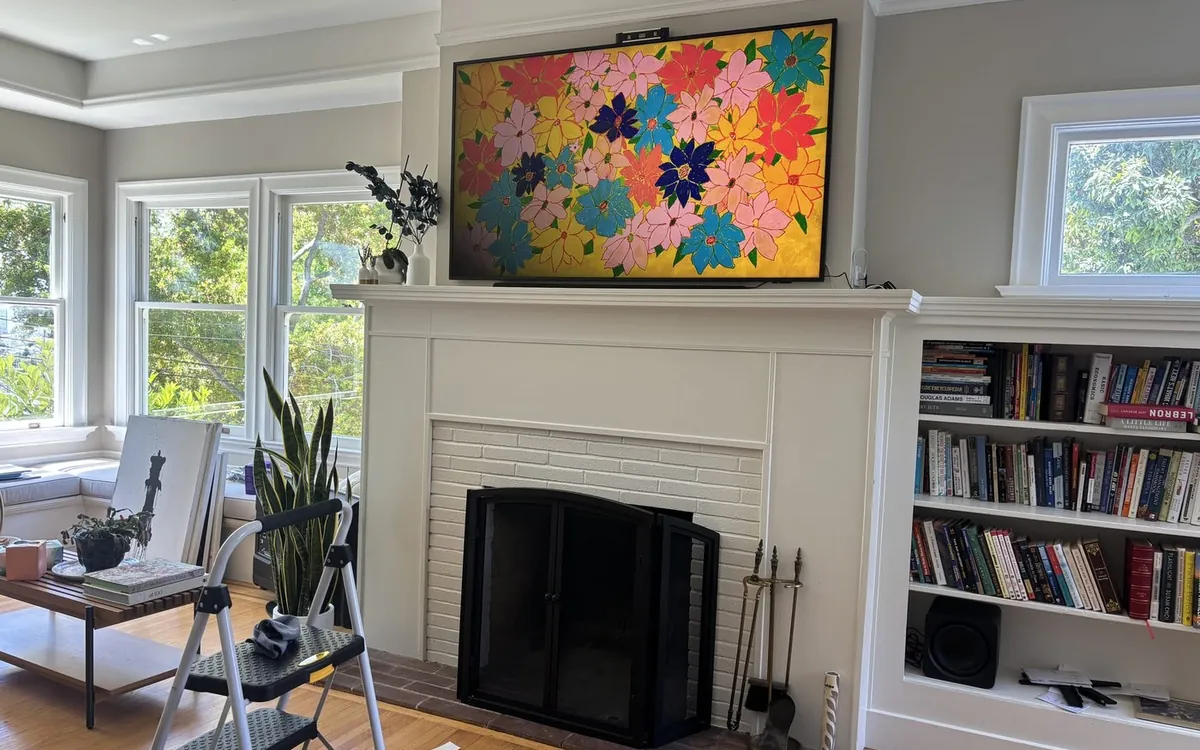
Why a $2,000 Frame TV looks like a $200 TV without the accessories
The Samsung Frame TV is designed to look like art — flush to the wall, customizable bezel, no visible cables. But out of the box, it doesn't actually look like art. You need four accessories to pull off the install Samsung shows in the marketing photos.
I install 2-3 Frame TVs a month. Here's the full kit.
The Frame TV itself
Samsung 65" The Frame QLED 4K
Most common size. Great for living rooms. About $1,500-$2,000 depending on sale.
View on Amazon →Samsung 75" The Frame TV
Step up. Better in great rooms or above larger fireplaces.
View on Amazon →Samsung 85" The Frame TV
Largest Frame. Best in living rooms with traditional wall proportions. $3,000+ but stunning.
View on Amazon →The four accessories you actually need
1. Customizable bezel (the most important one)
Samsung sells bezels separately — walnut, white, beveled, modern teak. The default plastic bezel that comes with the TV looks cheap. Spend $150-$300 on a real-finish bezel and the whole install transforms.
View bezels on Amazon →2. One Connect Box in-wall plate
The One Connect Box is the small black box that holds all the cables. You hide it behind drywall. Requires a $40 in-wall plate that lets the proprietary cable pass through the wall.
View in-wall plate on Amazon →3. In-wall HDMI rated cable 25ft (CL2 fire-rated)
You can't run regular HDMI behind drywall — it's not fire-rated. CL2 or CL3 rated cable is required by code. 25ft is enough for almost any install.
View in-wall HDMI on Amazon →4. Ultra-slim mount designed for Frame TV
The standard VESA mounts hold the Frame 2-3 inches off the wall. Echogear makes one specifically for Frame TV that holds it flush — true flush install where it actually looks like a frame on the wall.
View Frame mount on Amazon →The install — what's actually involved
- Run the in-wall HDMI cable from the TV location to where the One Connect Box will hide (typically below the TV inside the wall cavity).
- Install the in-wall plate at both ends — receptacle behind the TV, exit point near the box.
- Mount the ultra-slim bracket to studs. Confirm flush mounting depth.
- Hang the TV.
- Snap the custom bezel on.
- Connect the One Connect cable and tuck the box behind the wall plate.
- Configure Art Mode in the SmartThings app.
Total install: 2-3 hours for a pro, 4-6 hours for a DIYer.
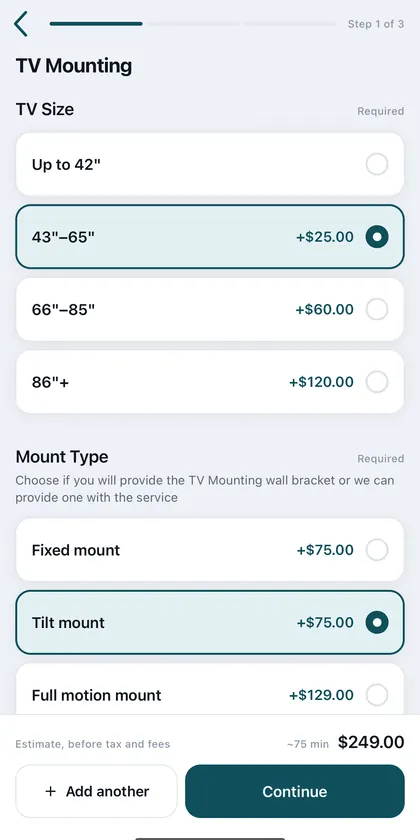
Installer note: Samsung Frame installs are one of our most-booked services. We bring the in-wall HDMI cable, the in-wall plate, and the Echogear mount — you just buy the TV and the bezel. View TV mounting service in LA →
Frequently asked questions
How much does Samsung Frame TV installation cost?
Professional install runs $250-$500 depending on TV size, wall type, and whether you need in-wall cable running. Includes mount, in-wall HDMI cable, and Art Mode setup.
Can I run a Samsung Frame TV cable through drywall?
Only with CL2 or CL3 fire-rated cable. Regular HDMI is not rated for in-wall installation and violates building code in most jurisdictions.
Do I need the bezel?
Technically no, but yes. Without the real bezel, the Frame TV looks like a regular TV with a plastic frame. The whole point of buying a Frame is the look — get the bezel.
Is the Samsung Frame TV good as a regular TV?
Image quality is QLED 4K — very good but not OLED-level. If picture quality is your top priority, get an LG OLED. If aesthetics matter equally, get the Frame.
Need this installed? California's #1 rated handyman service. Same-day available.
Book Online →Want a pro to handle the TV Mounting?
TV Mounting pros across California. Fastest exact price: send a quote request with photos.
Popular areas: Los Angeles · Riverside · Long Beach · see all cities