The Complete TV Mounting Guide 2026 — Mounts, Soundbars, Cable Concealment & Frame TVs
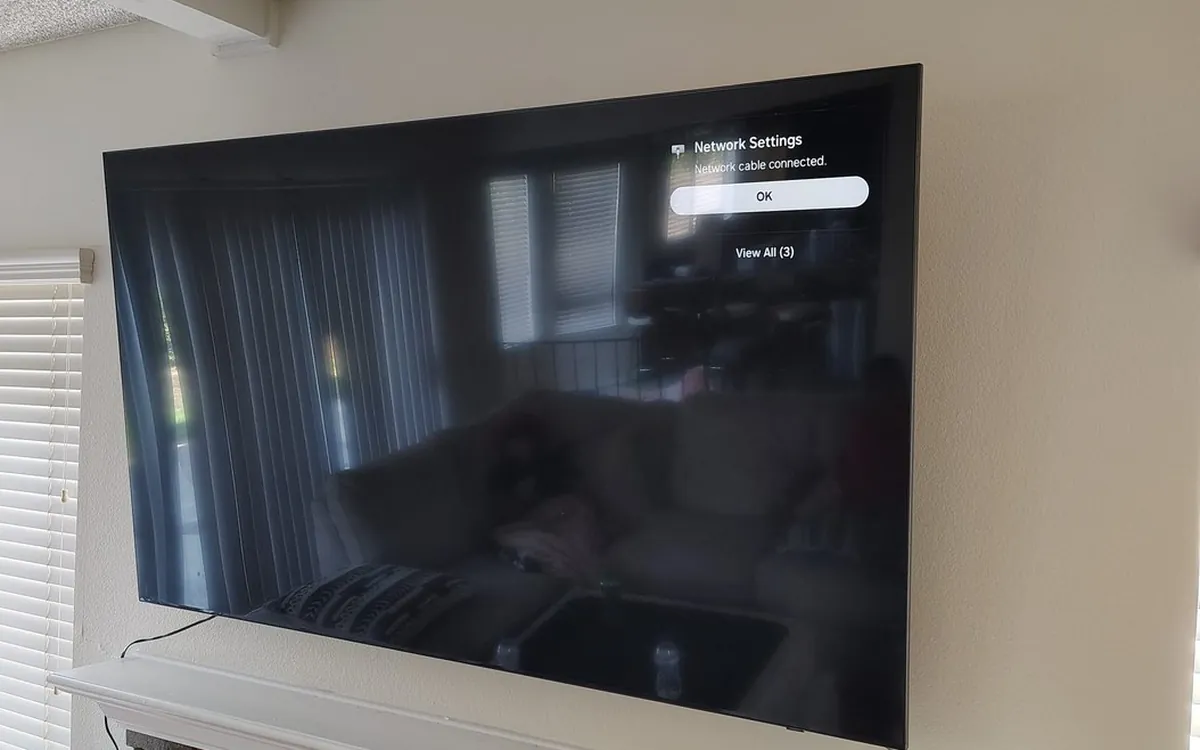
The right TV mount depends on your wall, viewing distance, and whether your TV sits over a fireplace. Sanus is our go-to brand. Soundbars should be wall-mounted, not console-stacked. Cable concealment is what separates DIY from pro installs — in-wall kits are code-compliant, raceways work for renters. Skip DIY for Frame TVs, above-fireplace, brick walls, and TVs over 75".
Mounting a TV is the #1 service we get booked for, and it is also the #1 thing homeowners get wrong on their own. Wrong mount for the TV size. Drywall anchors instead of studs. Cables dangling down the wall. Soundbar three inches off-center. Below is everything we wish every homeowner knew before they bought a TV mount on Amazon.
Pick the Right Mount Before You Touch the Wall
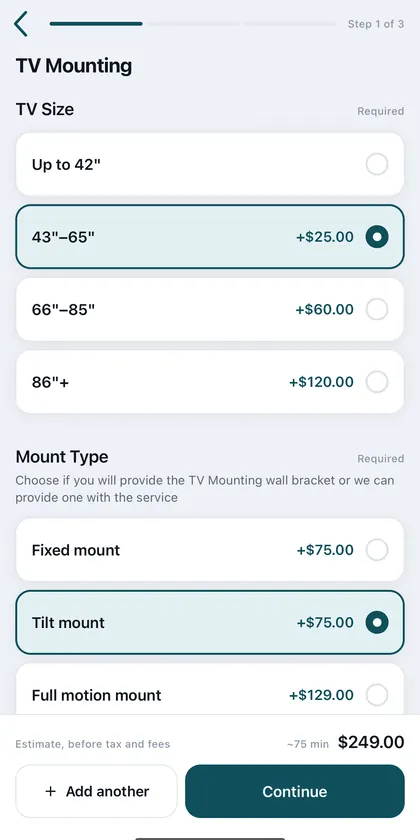
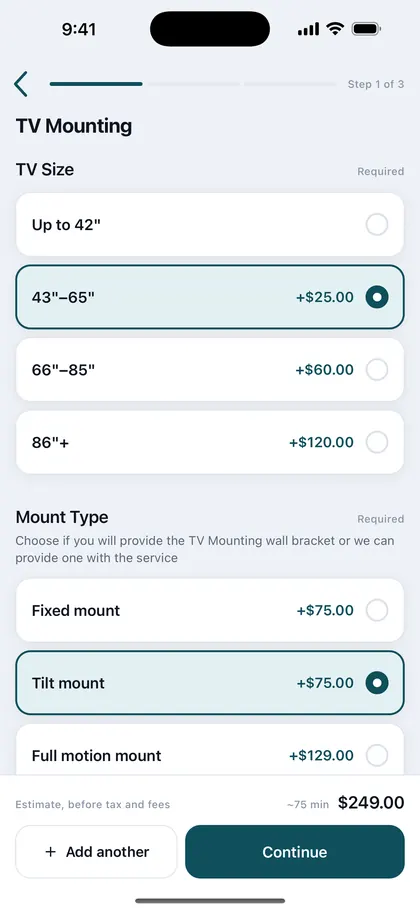
There are four mount types, and 90% of homeowners pick the wrong one for their situation:
- Fixed (low-profile) — flush against the wall, cheapest, no adjustability. Right when your TV faces the seating dead-on and there is no glare.
- Tilting — pivots up and down. Required for above-fireplace and high-mount installs to reduce neck strain.
- Full motion (articulating) — extends, swivels, tilts. Right for corner mounts, kitchens, or rooms where you watch from multiple seating positions.
- Ceiling mount — for kitchens, gyms, garages, and commercial.
Samsung Frame TV Is a Different Beast
Frame TVs use a flush bracket called the No-Gap Wall Mount. The included Samsung mount is fine for drywall studs, but if your TV sits over a fireplace or on a brick wall, you need a heavy-duty Frame-specific mount like the Sanus WSSAM1 that holds the no-gap aesthetic. The One Connect Box also needs to be routed somewhere — most customers want it concealed.
If you are doing this yourself, the Samsung Frame install can take 3+ hours because of the One Connect cable routing. We do these as a service starting at $249.
The Soundbar Decision
If you have a soundbar (or are about to buy one), mount it. Soundbars sitting on the entertainment console look messy, vibrate the surface, and rarely sit at the right height. A wall-mounted soundbar centered under the TV is the cleanest setup we install.
Soundbar mount install starts at $99 when paired with a TV mount, $49 standalone.
Hide the Cables — In-Wall vs. Raceway
This is what separates a DIY mount from a professional install. Wires dangling from the TV down to the outlet ruin the look. There are two ways to fix it:
- Full in-wall concealment — power, HDMI, and any other cables route through the wall. Code-compliant kits include a power relay so you do not run an extension cord behind drywall (that is a fire risk and a code violation).
- Cord cover raceway — surface-mounted plastic cover, paintable, removable. The right choice for renters, brick walls, or anyone who does not want to cut drywall.
Above-Fireplace Mounting — Read This First
Mounting above a fireplace is one of our most-booked services, but it requires three things most homeowners miss:
- Heat check — many gas fireplaces vent heat directly upward. We use a thermometer to confirm the wall above does not exceed 95°F during peak fireplace operation.
- Tilt mount — flat mounts above a fireplace put the TV too high for comfortable viewing. A 15° tilt is the difference between neck pain and a setup you love.
- Cable routing — most fireplaces have a stone or brick face. Cables go in the wall above the fireplace material, then transition to the side.
Outdoor TV Mounting — Don't Use an Indoor TV
If you mount an indoor TV outside, it will fail within a season. Use an actual outdoor TV (SunBriteTV, Furrion Aurora, Samsung Terrace). The mount also has to be 304 stainless steel — anything else rusts in California marine air.
Tools We Use on Every TV Install
Measure before you buy
Most returns on items like these come down to fit, and a returned item costs you a week and a trip. Four numbers settle it:
- VESA pattern: measure the hole spacing on the back of the TV in millimetres (200x200, 400x400 and so on) and match it to the mount's range.
- Weight and size: the mount's rated screen size and load must cover your TV, and a full-motion arm extended puts far more leverage on the wall than a fixed mount.
- Studs: find them and note the spacing (16 or 24 inches). Plaster, metal studs and brick each need different hardware.
- Height and cables: mark the screen centre at seated eye level (about 42 inches is common) and check where power and HDMI will run before you order a mount with a tight cable path.
When to Hire a Pro vs. DIY
DIY-friendly: standard wall mount on a stud wall, no cable concealment, no fireplace, TV under 65".
Hire us: Samsung Frame TVs, above-fireplace, in-wall cable concealment, outdoor mounts, brick or concrete walls, TVs over 75", and ceiling mounts.
Our standard TV mounting service starts at $89 for a basic install (including bringing the right hardware for your wall type), $149 with cable concealment, $249 for Samsung Frame, and $349 for outdoor TVs. Same-day available across LA, OC, Bay Area, San Diego, and Inland Empire.
Need a pro to mount your TV?
Zomg The Handyman mounts every TV size and brand — Samsung Frame, LG, Sony, Hisense, TCL. Drywall, plaster, brick, stone, above-fireplace. Cable concealment, soundbar, outlet relocation. From $125, same-day available statewide.
Get a Quote →Frequently Asked Questions
How much does TV mounting cost in California?
Standard wall mount installation starts at $89. Samsung Frame TV installation starts at $249. Above-fireplace mounting starts at $199. Cable concealment adds $99+.
What size TV mount do I need?
Match the mount's VESA pattern and TV size range to your TV. Most modern TVs use 200x200, 400x400, or 600x400 VESA. Check the back of your TV or the manual.
Can I mount a TV above a fireplace?
Yes, but only if heat at the wall stays under 95°F during peak fireplace use. Use a tilting mount to angle the TV down for comfortable viewing.
Do I need an in-wall cable concealment kit?
If you want the cleanest look, yes. Use a code-compliant kit with a power relay — never run an extension cord behind drywall.
Tools & Products We Use on Every Job
Get it installed
Want a pro to handle the TV Mounting?
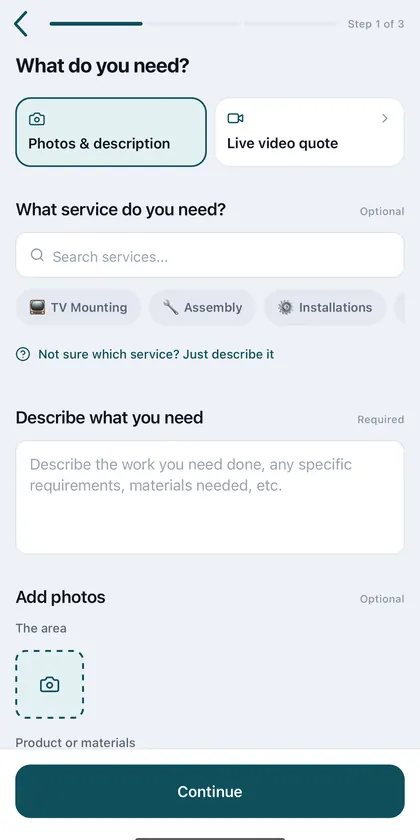
TV Mounting pros across California. Fastest exact price: send a quote request with photos.
Popular areas: Los Angeles · Riverside · Long Beach · see all cities