Best Smart Lock That Keeps Your Existing Deadbolt: August vs Level vs Yale
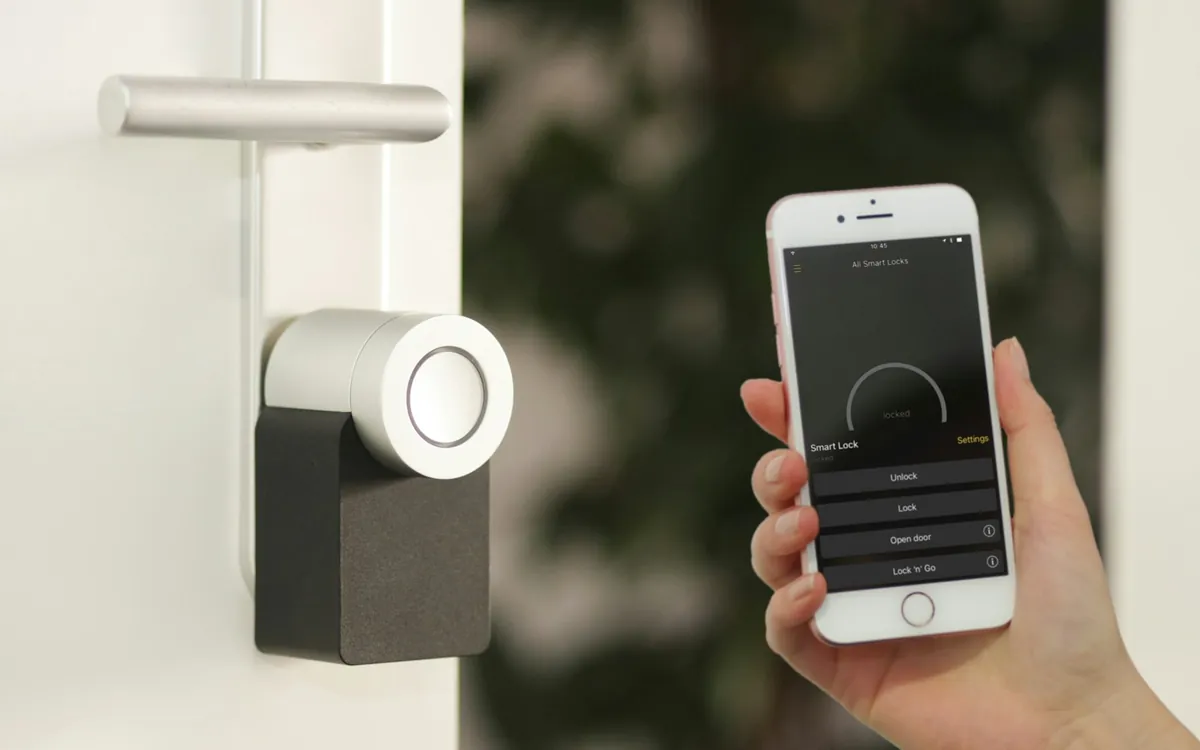
August Wi-Fi Lock wins on ease of install. Level Lock wins on aesthetics (totally invisible). Yale Linus wins on Apple HomeKit support without a hub.
August Wi-Fi Lock wins on ease of install. Level Lock wins on aesthetics (totally invisible). Yale Linus wins on Apple HomeKit support without a hub.
Quick Comparison
| Pick | Best For | Approx Price |
|---|---|---|
| #1 Easy | August Wi-Fi Smart Lock (4th Gen) | $180-$250 |
| Invisible | Level Lock+ Smart Lock | $280-$350 |
| HomeKit | Yale Linus Smart Lock | $200-$280 |
Our Picks
What to Look For
When comparing products in this category, focus on three things: warranty length (longer = manufacturer confidence), real-world reviews from the past 6 months (older reviews may not reflect current quality), and compatibility with what you already own (battery ecosystems, smart home hubs, mounting hardware). The cheapest option is rarely the right one once you account for replacement and frustration.
Our picks above are products we install on the job. They earn the spot through repeated reliability across hundreds of customer homes — not from sponsored partnerships or marketing budgets.
Frequently Asked Questions
Will my keys still work?
Yes — all three retrofit models keep your existing deadbolt and key. The smart mechanism is on the inside.
Do smart locks need Wi-Fi?
All three connect via Bluetooth to your phone. Wi-Fi via included bridge is required for remote access.
Are retrofit locks less secure?
No. They use your existing deadbolt — security is identical to your standard lock plus optional auto-lock.
Tools & Products We Use on Every Job
Get it installed